
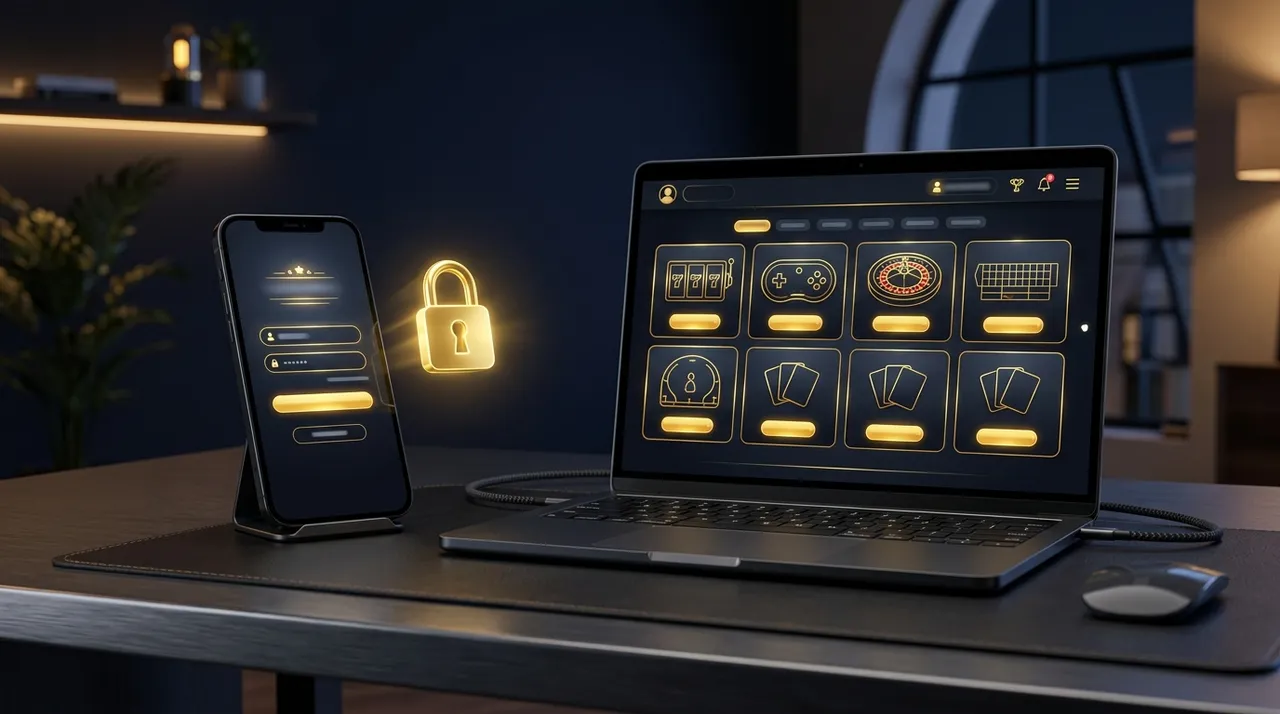

The RollXO login is simple when everything works, and infuriating when it doesn't. This guide covers the official RollXO casino login steps, what the numbered mirrors (RollXO 2, RollXO 4, RollXO 5, RollXO 8) actually are, password recovery, two-factor authentication, and a fix for every error message we've ever hit on the platform.
How to Log In to RollXO Casino: Step by Step
- Open the official website Go to rollxo.com (the RollXO official website). Check for the padlock icon in the address bar, the certificate should be issued to rollxo.com. Bookmark it to avoid phishing clones.
- Click "Log In" The button sits in the top-right corner on both desktop and mobile. A dark modal opens with email and password fields.
- Enter your credentials Use the email address you registered with. Passwords are case-sensitive, the eye icon shows what you typed.
- Pass the security check (sometimes) New device or VPN exit node? You may get an email confirmation code. Enter it once and the device is remembered.
- You're in Your balance shows top-right; deposits, bonuses and games are one tap away. On mobile, allow the browser to save the login or install the web app for one-tap access.
RollXO 2, 4, 5, 8: Mirror Links Explained
If you've seen searches like "rollxo 5" or "rollxo casino 5" and wondered what they mean: these are mirror domains, alternative addresses (rollxo2, rollxo5, and so on) that the casino publishes when internet providers in some countries block the main domain. Key facts:
| Question | Answer |
|---|---|
| Same account & balance? | Yes, mirrors are the same casino on a different address |
| Same login details? | Yes, email and password work on every official mirror |
| Are all mirrors safe? | No, fake clones imitate mirror names to steal logins |
| How to verify a mirror | Get the link from the casino's own email/support chat, check the SSL certificate, and confirm your existing account works before depositing |
| Alternative to mirrors | The installed web app usually keeps working when the website address is blocked |
Forgot Password? Account Recovery in 2 Minutes
- Click "Forgot password?" It's under the password field in the login modal.
- Enter your registration email The reset link arrives within a minute; check spam/promotions folders.
- Set a new password Use 10+ characters with a number and symbol. Avoid reusing passwords from other gambling sites.
- Log in and re-enable 2FA If you had two-factor authentication on, re-pair it in Profile → Security.
No email arriving? The address may differ from the one you registered with, contact RollXO support via live chat with your account ID and they'll verify you manually.
RollXO Login Problems & Fixes
| Problem | Likely cause | Fix |
|---|---|---|
| "Invalid email or password" | Typo, wrong email, or caps lock | Reveal the password with the eye icon; try the reset flow |
| Site won't load at all | ISP block in your region | Use the official mirror from support, or the installed web app |
| "Account blocked" message | Risk review, T&C breach, or self-exclusion | Contact live chat; have ID ready. Self-exclusions are not reversible early |
| Endless loading after login | Cache/cookies conflict | Clear site data or use a private window; disable aggressive ad-blockers |
| Verification code never arrives | Email filtering | Whitelist the casino's domain; check spam; ask chat to resend |
| Logged out repeatedly | VPN exit hopping between countries | Pin the VPN to one location or disable it, note T&Cs restrict VPN use |
| "Region not available" | You're in a restricted jurisdiction | RollXO doesn't accept all countries, see legality details |
Keep Your RollXO Account Secure
- Enable 2FA in Profile → Security, it stops credential-stuffing attacks cold.
- Unique password, gambling accounts hold cash; treat the login like online banking.
- Bookmark rollxo.com, phishing clones rank in search ads from time to time.
- Complete KYC early, a verified account is far easier to recover and far faster to withdraw from.
